
Navigator
Ask. See. Act.
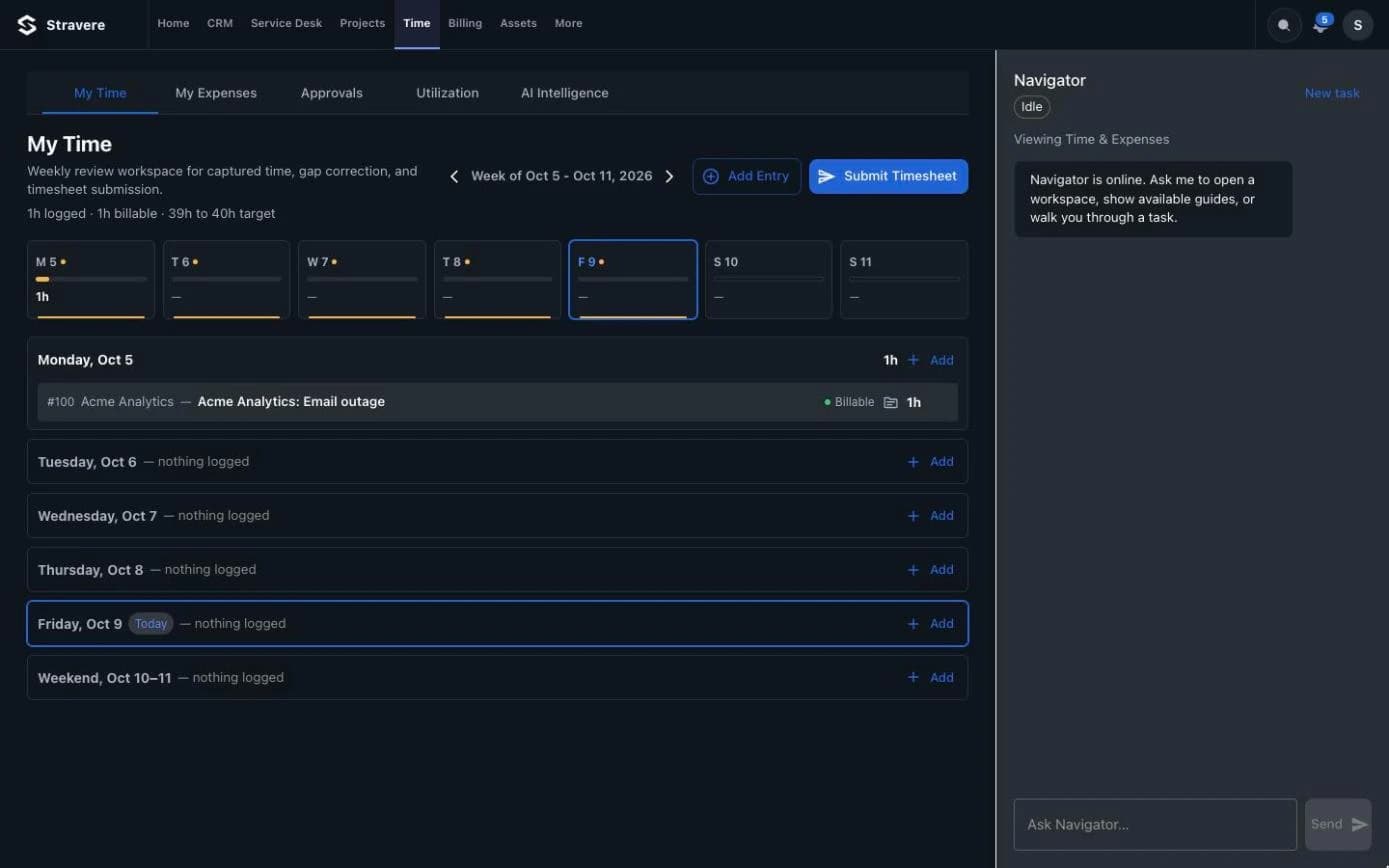
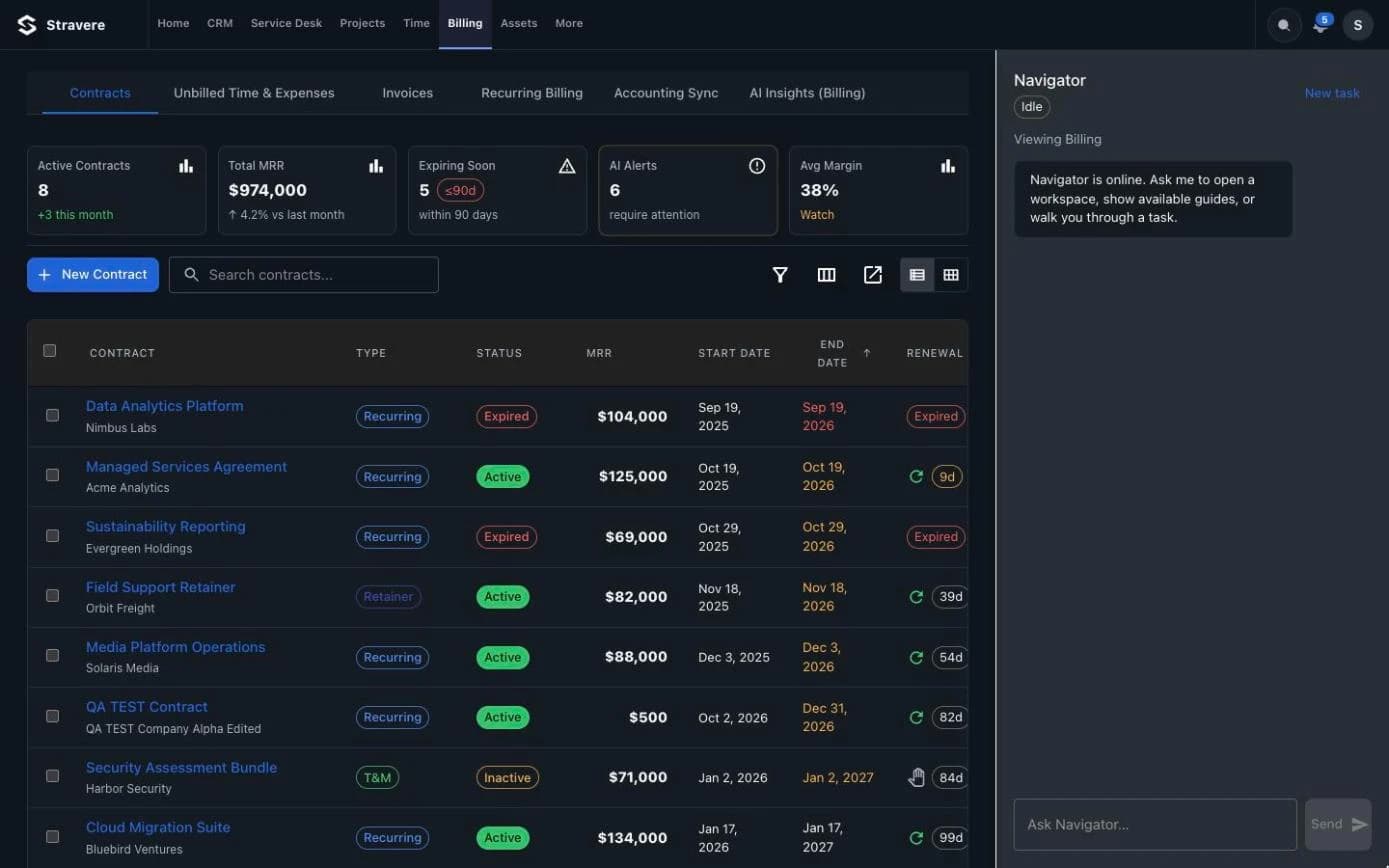
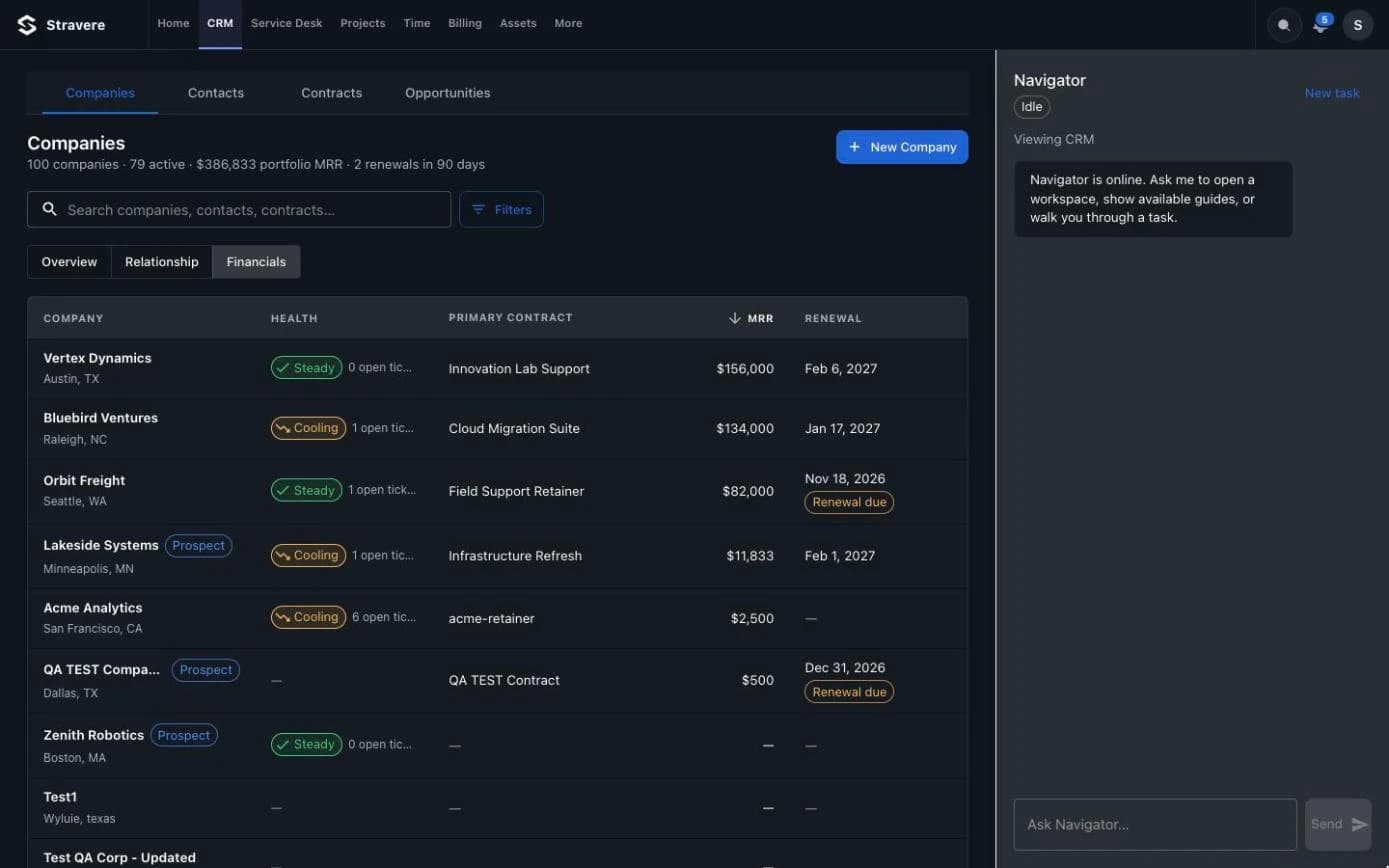
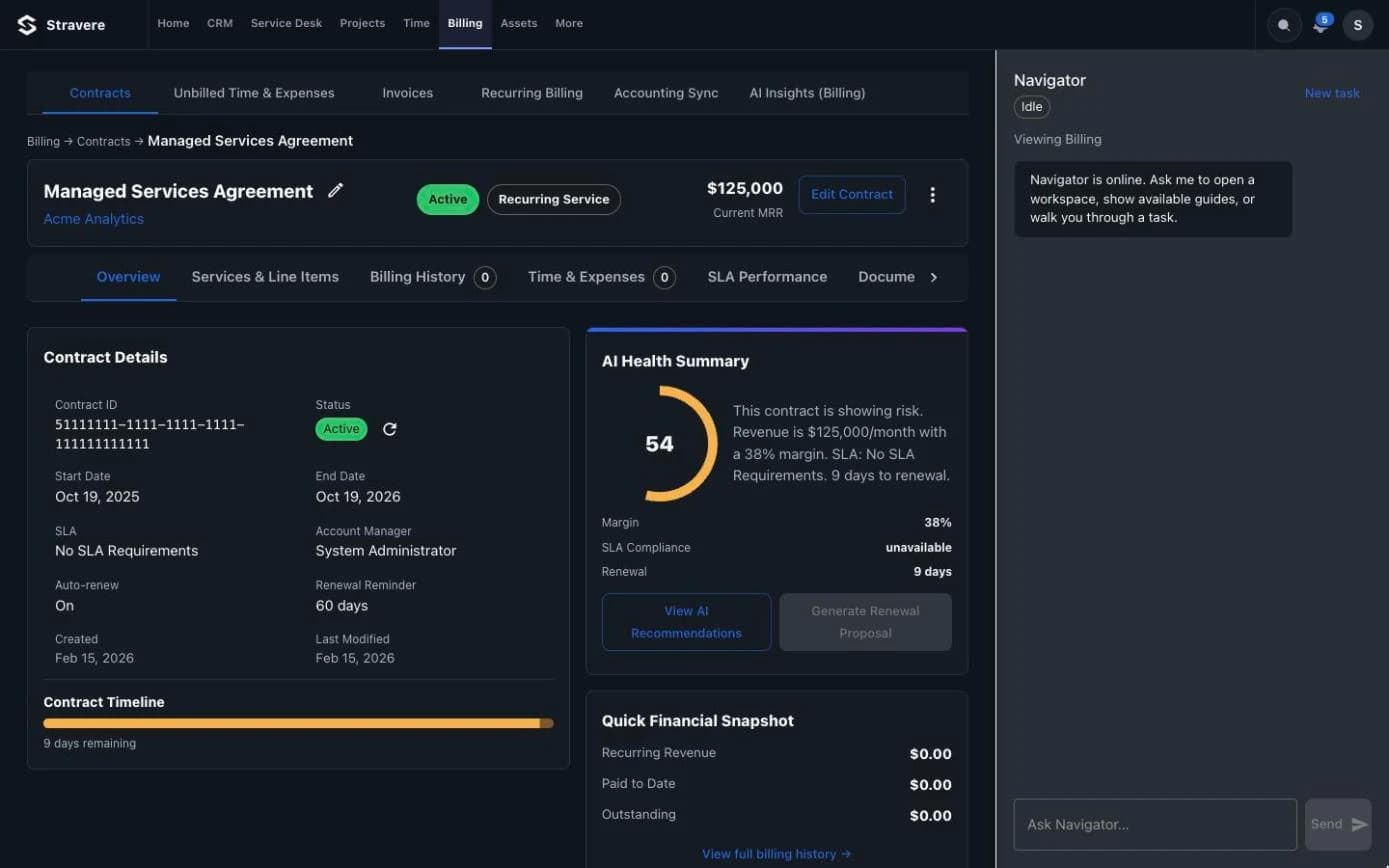
Navigator is the AI operator beside every screen in Stravere. It answers with live data from your PSA and opens the exact view you need.
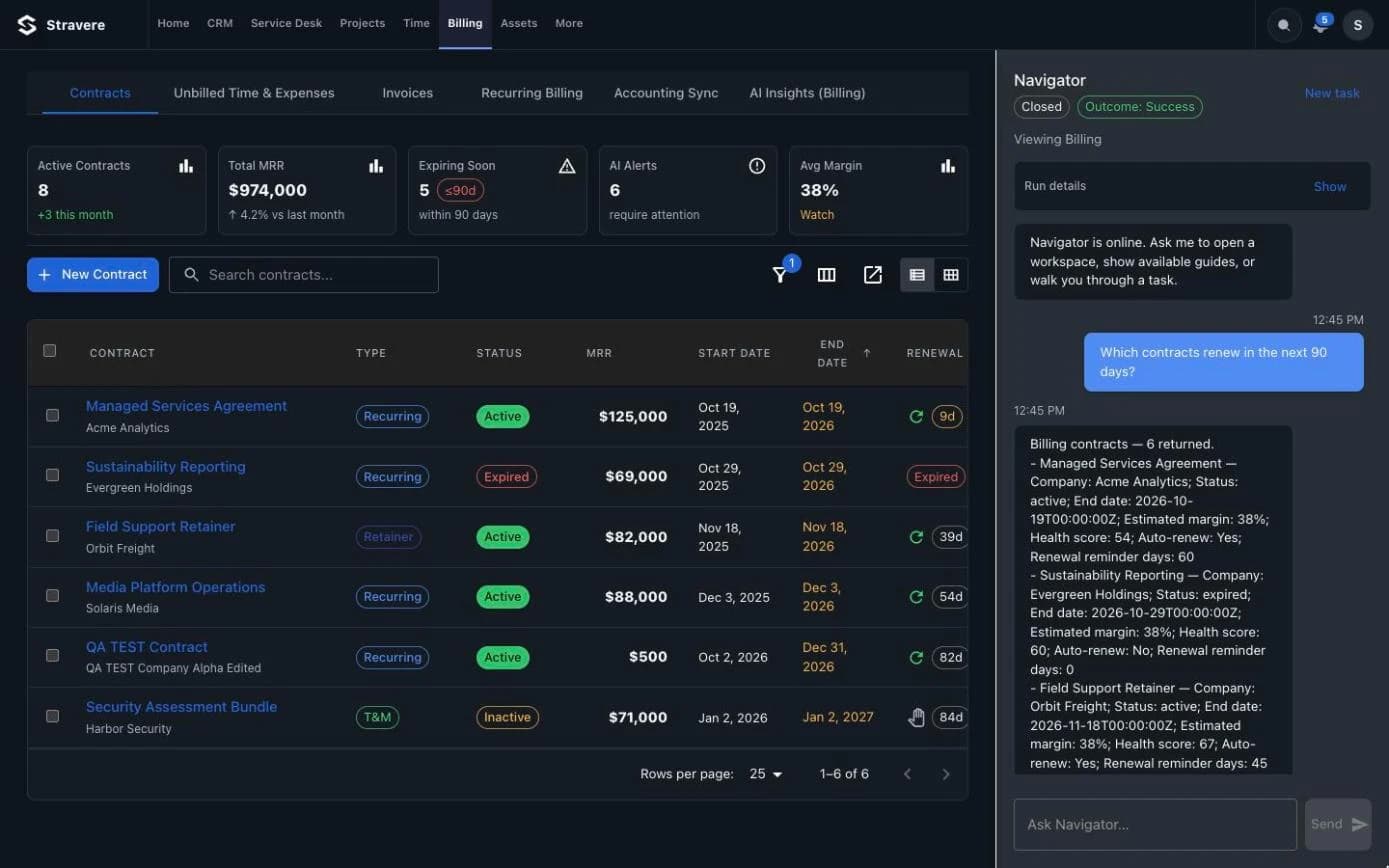
Not a chat window. A rail on every screen.
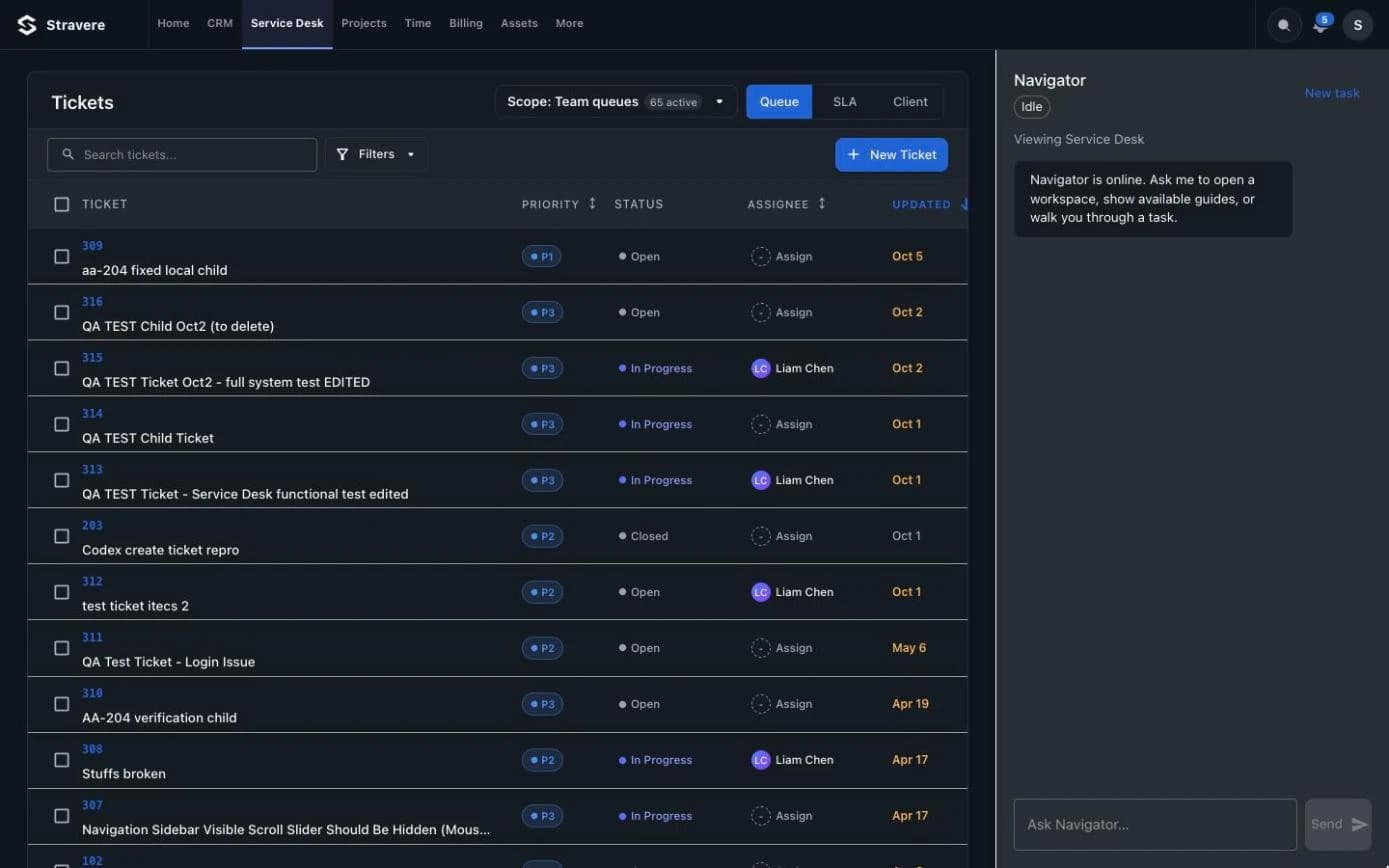
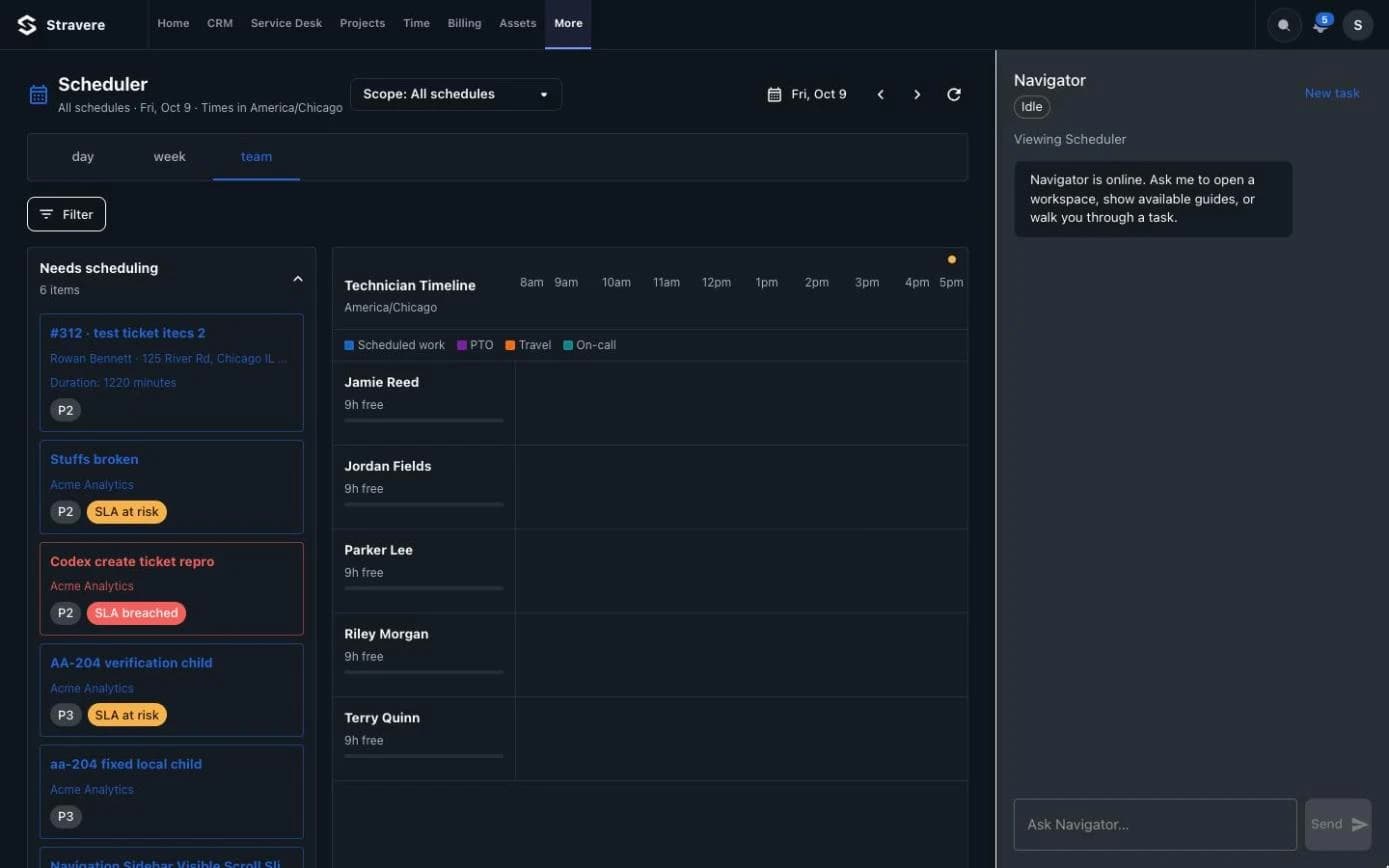
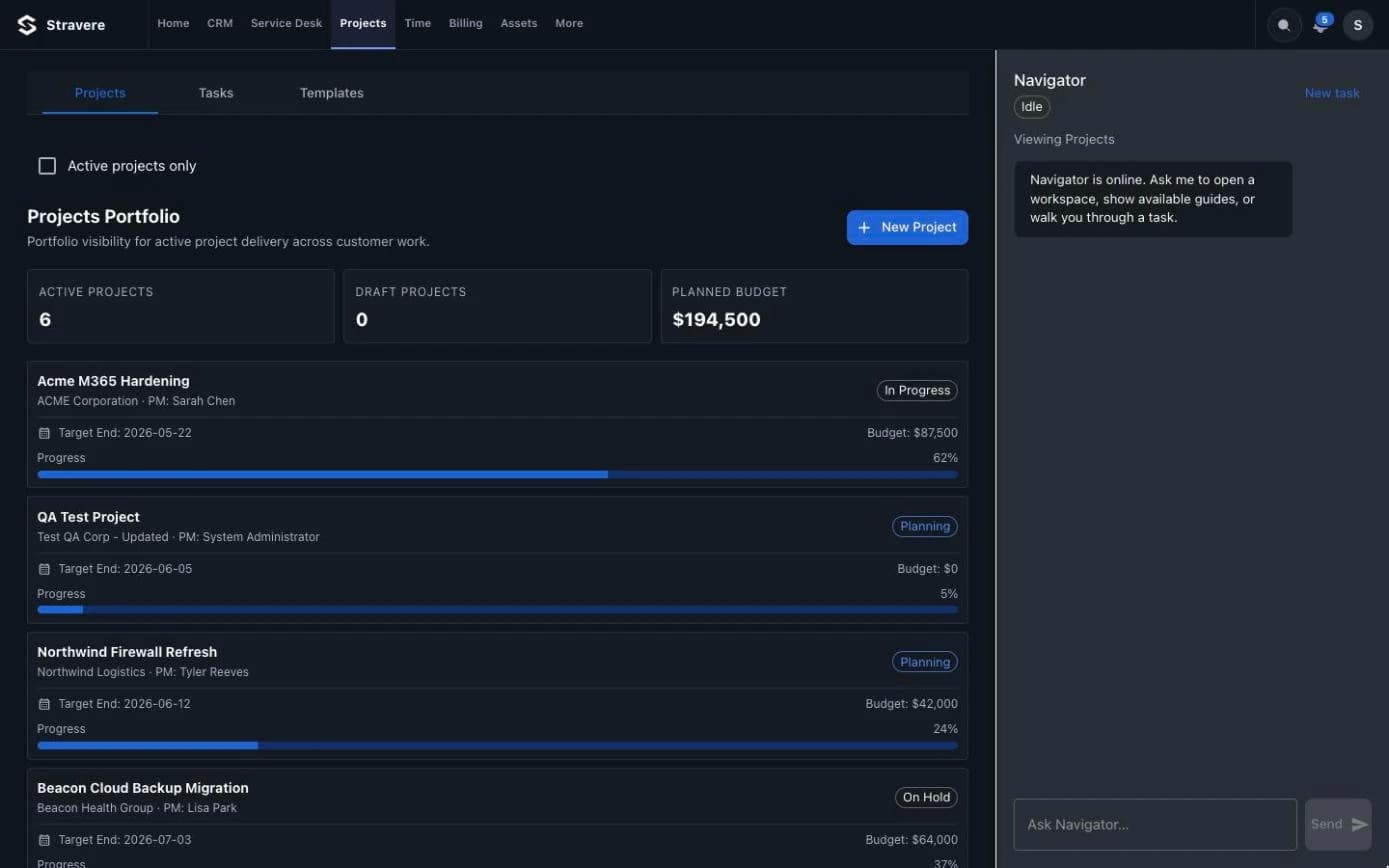
Navigator stays docked on the right of every Stravere screen. It knows which screen you're on, so the question, the answer and the work stay in one place.
Questions
Ask the way you'd ask your service manager.
- SERVICE MANAGER
“Which tickets need attention first today?”
- DISPATCHER
“Who has free time Thursday afternoon?”
- ACCOUNT MANAGER
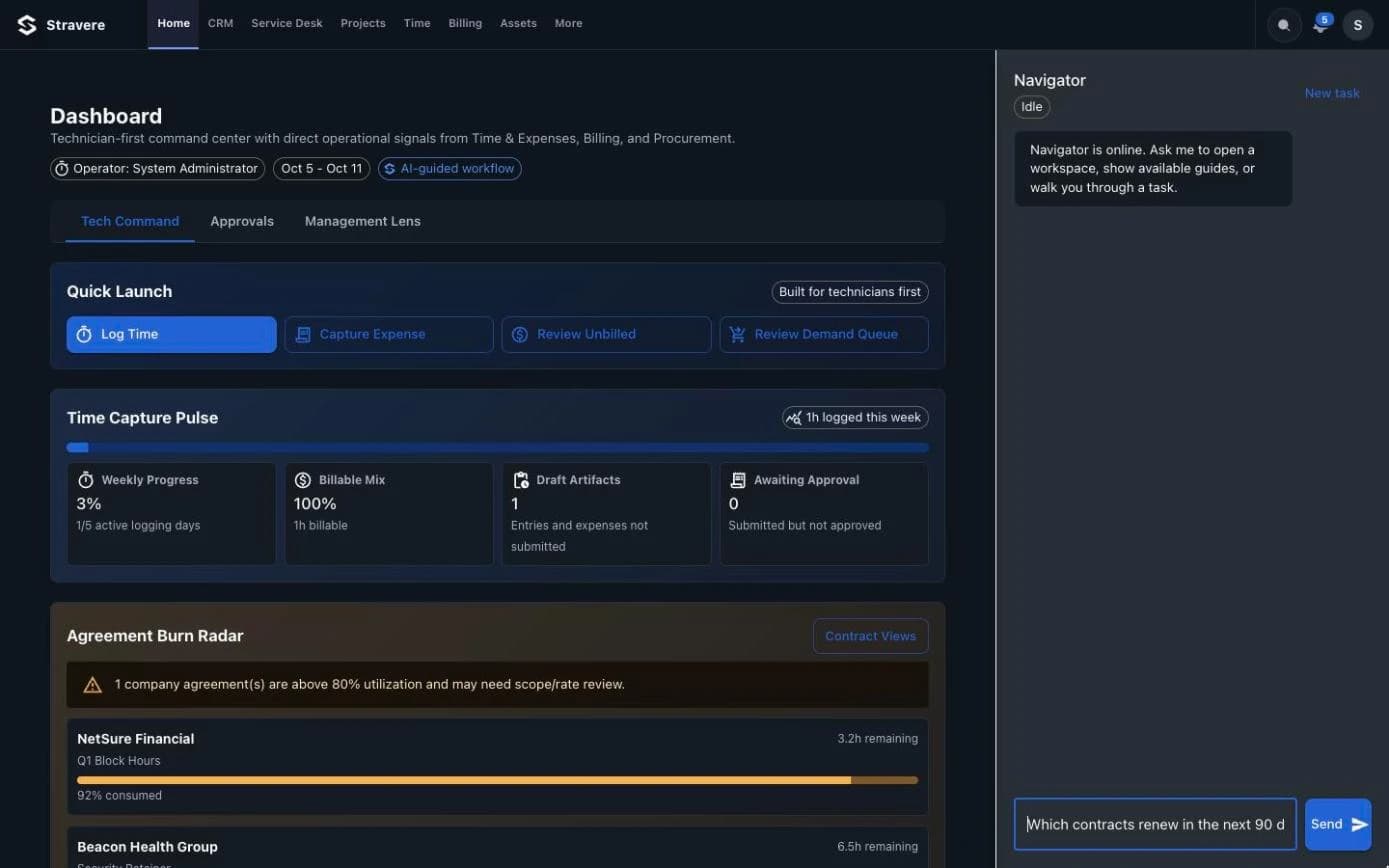
“Which contracts renew in the next 90 days?”
- OWNER
“Which agreements are over 80% of their hours?”
- BILLING
“Show me unbilled time for Acme Analytics.”
- TECHNICIAN
“Explain ticket 122.”
- 01
Ask in plain words.
Type the question the way you'd ask your service manager. Navigator knows your tickets, contracts, schedule and invoices.
- 02
See the answer as live data.
Answers come back as real records from Stravere, right beside the screen you're on.
- 03
Act in the right view.
Navigator opens the exact screen you need, already filtered, so the next click is the work.
Guardrails
Navigator works inside your rules.
- 01
Your permissions, not more.
Navigator sees and opens only what the person asking is allowed to see.
- 02
Grounded in your data.
Answers come from your Stravere records, and every run keeps its details.
- 03
Read-only by design.
Navigator answers and opens views. Changes stay with your team.